
refer to: https://www.cnblogs.com/zeromi/p/18433816
1. apt install docker
2. no need to config proxy, ( e.g.
/etc/systemd/system/docker.service.d/http-proxy.conf
[Service]
#Environment="HTTP_PROXY=http://127.0.0.1:8118/"
#Environment="HTTPS_PROXY=http://127.0.0.1:8118/"
#Environment="NO_PROXY=localhost,127.0.0.1,.docker.internal"
3. config docker daemon.json:/etc/docker/daemon.json
{
        "registry-mirrors": ["https://cr.loongnix.cn"]

}
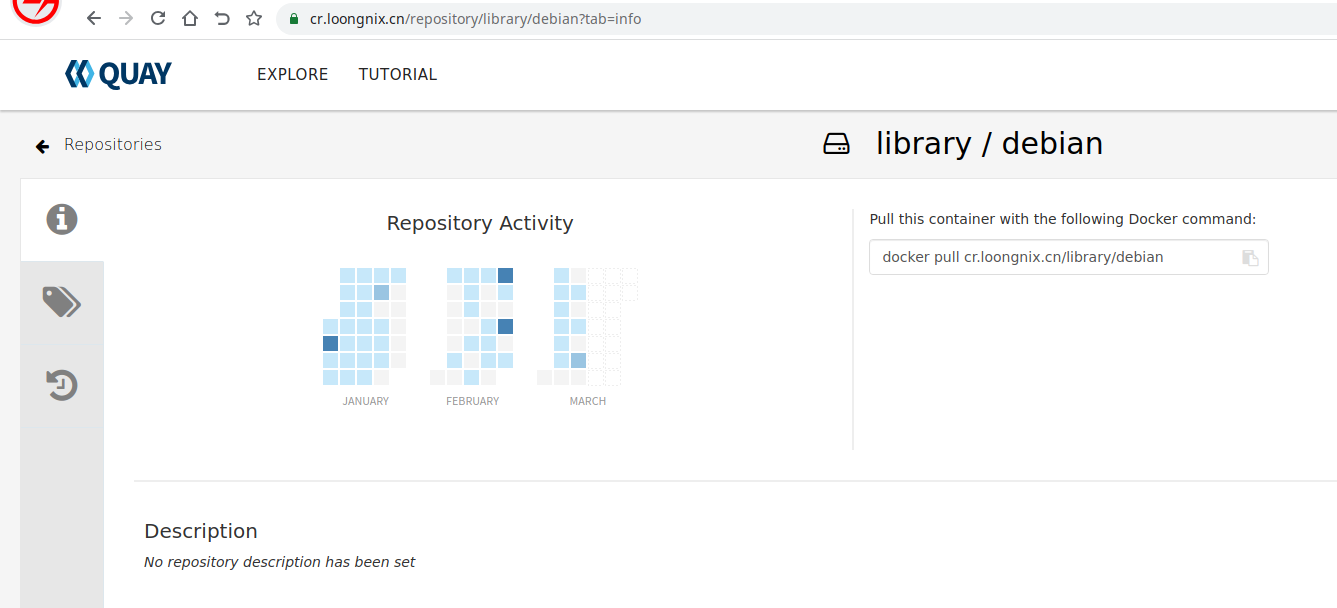
4. docker pull:
docker pull cr.loongnix.cn/library/debian:buster ( NOTICE; must add the tag, :buster or so, otherwise it will cause error)
5. docker run --rm cr.loongnix.cn/library/debian:buster echo "Hello, LoongArch!"
Hello, LoongArch!
very shuang, ruby, mysql, debian, run many...