
refer to:
太坑了简直。
官方文档不给力。
注意:不要来这里下载:
https://www.loongnix.cn/zh/loongnix/ 这个loonginx.cn 是一个操作系统,不是麒麟,也不是龙芯!
银河麒麟也不给力
无法翻墙。
百度又没有有价值的文章
下面是过程
1. 安装docker
无法直接安装,需要先安装 containerd 并且把他跑起来。
参考:https://segmentfault.com/a/1190000044758250
该作者用的是 amd64的平台。不过该脚本在我本地跑起来了。
2. 安装docker
使用这个源头:参考:https://zhuanlan.zhihu.com/p/683041325
2.1 修改镜像地址:
vi /etc/docker/daemon.json
{
"registry-mirrors": ["https://cr.loongnix.cn"]
}
3. docker ps 可以看到内容。
然后修改 docker source
4. docker pull cr.loongnix.cn/library/redis:7.0.15
安装 mysql:
https://cr.loongnix.cn/repository/library/mysql?tab=tags
就可以从官方source安装了。
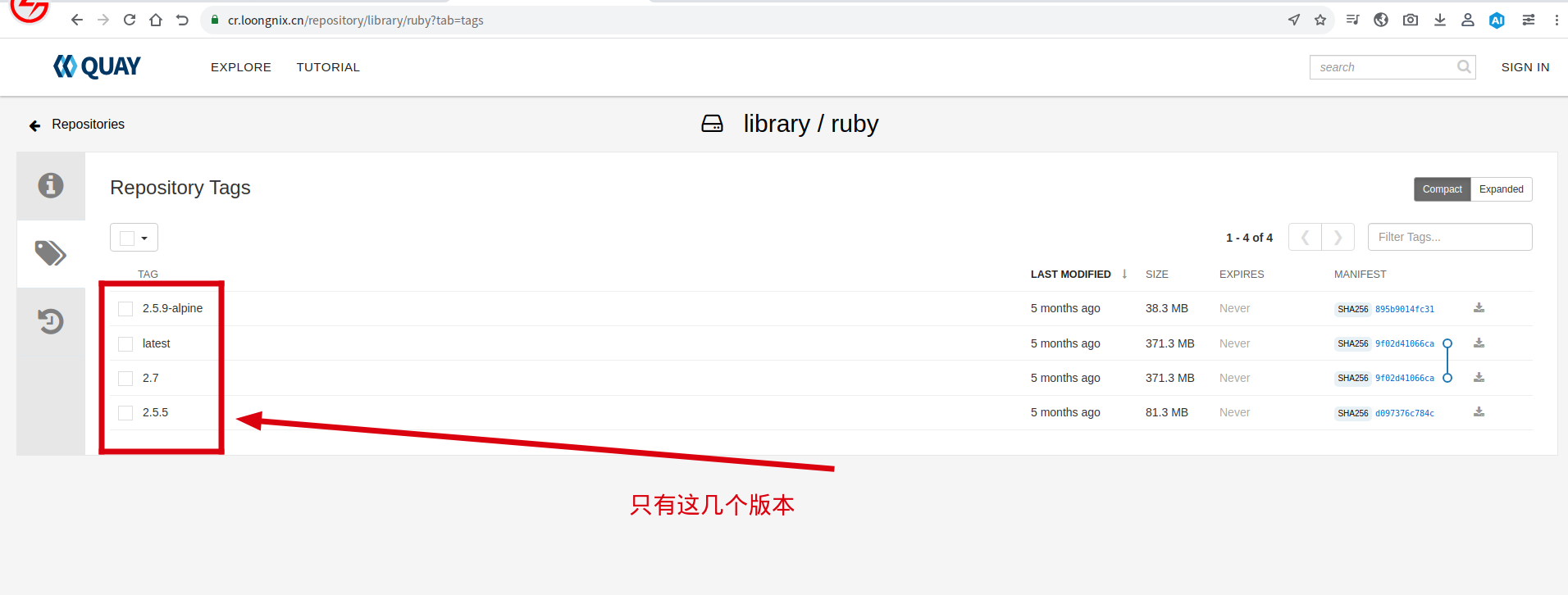
ruby: 只有2.7的。先凑合用吧。 https://cr.loongnix.cn/repository/library/ruby?tab=tags
还是跑步起来。估计是我的containerd 跟docker 不兼容。
docker run hello-world
WARNING: The requested image's platform (linux/loongarch64) does not match the detected host platform (linux/loong64) and no specific platform was requested
docker: Error response from daemon: failed to create shim task: OCI runtime create failed: runc create failed: unable to start container process: can't copy bootstrap data to pipe: write init-p: broken pipe: unknown.