
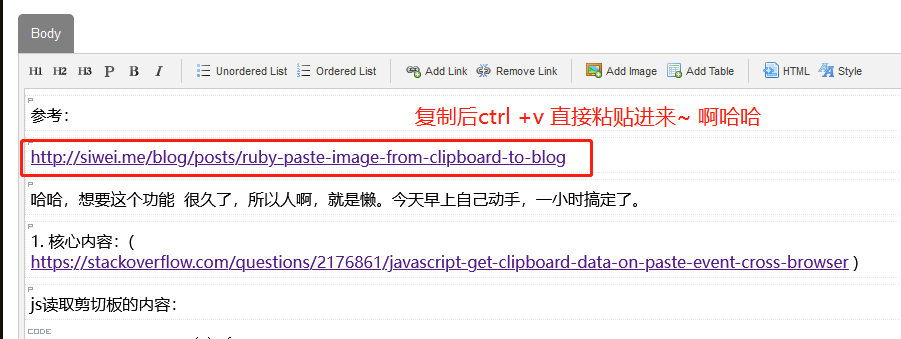
参考:
http://siwei.me/blog/posts/ruby-paste-image-from-clipboard-to-blog
哈哈,想要这个功能 很久了,所以人啊,就是懒。今天早上自己动手,一小时搞定了。
js读取剪切板的内容:
function handlePaste(e) {
  var clipboardData, pastedData;

  // Stop data actually being pasted into div
  e.stopPropagation();
  e.preventDefault();

  // Get pasted data via clipboard API
  clipboardData = e.clipboardData || window.clipboardData;
  pastedData = clipboardData.getData('Text');

  // Do whatever with pasteddata
  alert(pastedData);
}

document.getElementById('editableDiv').addEventListener('paste', handlePaste);
2. 修改wym: app/assets/javascripts/wymeditor/prototypes.js.erb
 283   let clipboardData = pasteEvent.clipboardData || window.clipboardData;
 284   let pastedData = clipboardData.getData('Text');

 312   }else if(item.type.match(/text/) && pastedData.match(/^http/) ){
 313     console.info("== in else if ")
 314     if(window.wym){
 315       window.wym.paste("<a href='" + pastedData +" ' target='_blank'>" + pastedData + "</a>", false)
 316     }else{
 317       alert("window.wym is undefined, refresh and try again")
 318     }
 319   }
3. 重新编辑assets ,就可以了。